Features
The everyday work of your chama, in one place.
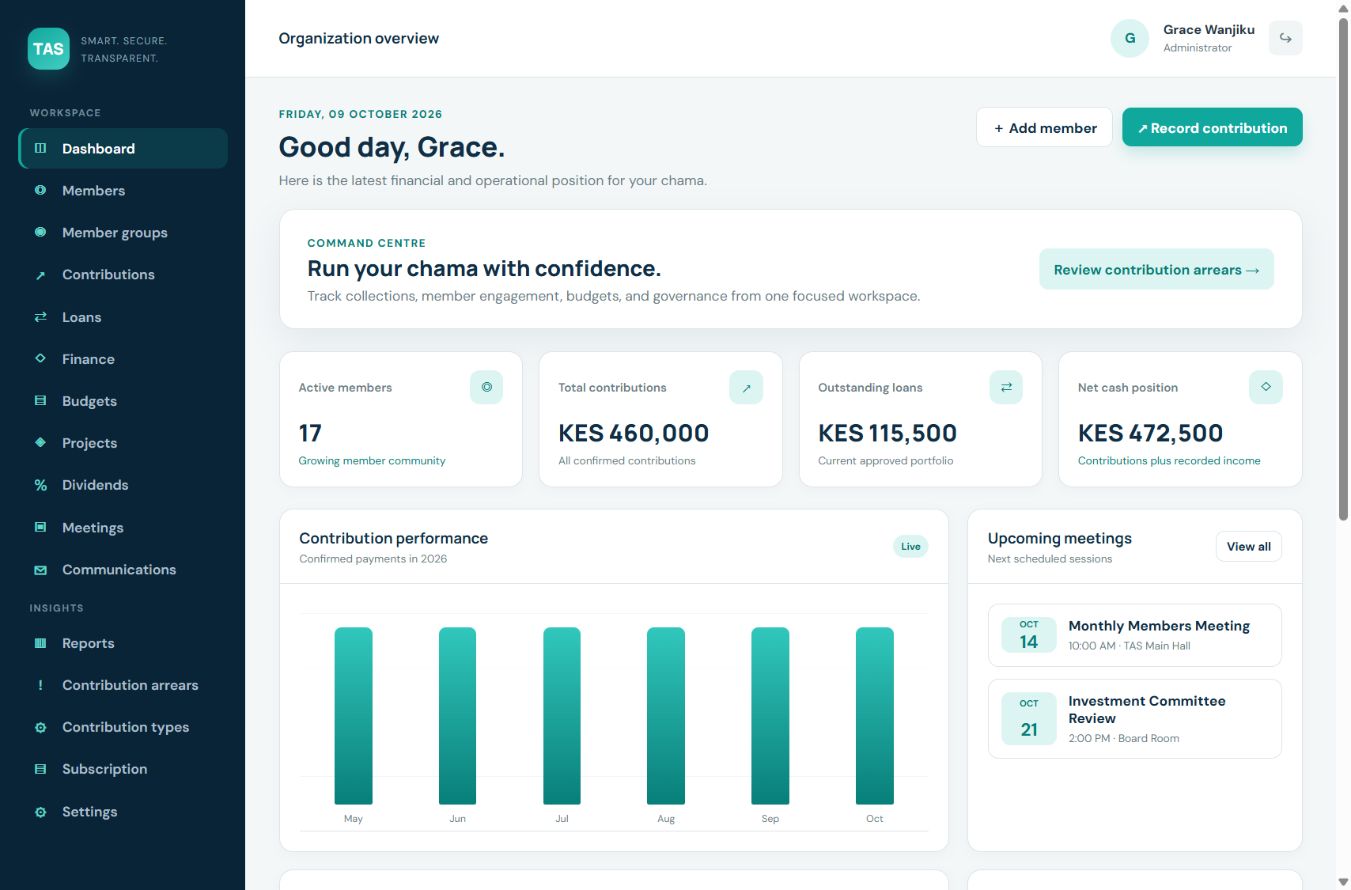
Actual TAS interface with demonstration data.
Contributions and member records
Record contributions against the right member and contribution type. Review arrears, open individual records and export contribution records for follow-up.
Loans, from application to repayment
Record applications, approval and disbursement dates, repayments and corrections. Review monthly repayment schedules and download loan statements.
Budgets, finances and projects
Bring income, expenses, budgets and group projects into the same workspace so officials can review the financial position together.
Meetings and group decisions
Keep meeting records, announcements and responsibilities accessible to the officials who need them.
Access for officials and members
TAS uses roles for administrators, treasurers, chairpersons, secretaries and members. The available actions depend on a person’s role; members can view their own records.
Reports and accountability
Review reports and transaction history. Loan and repayment corrections record a reason in the activity trail, helping officials explain changes.